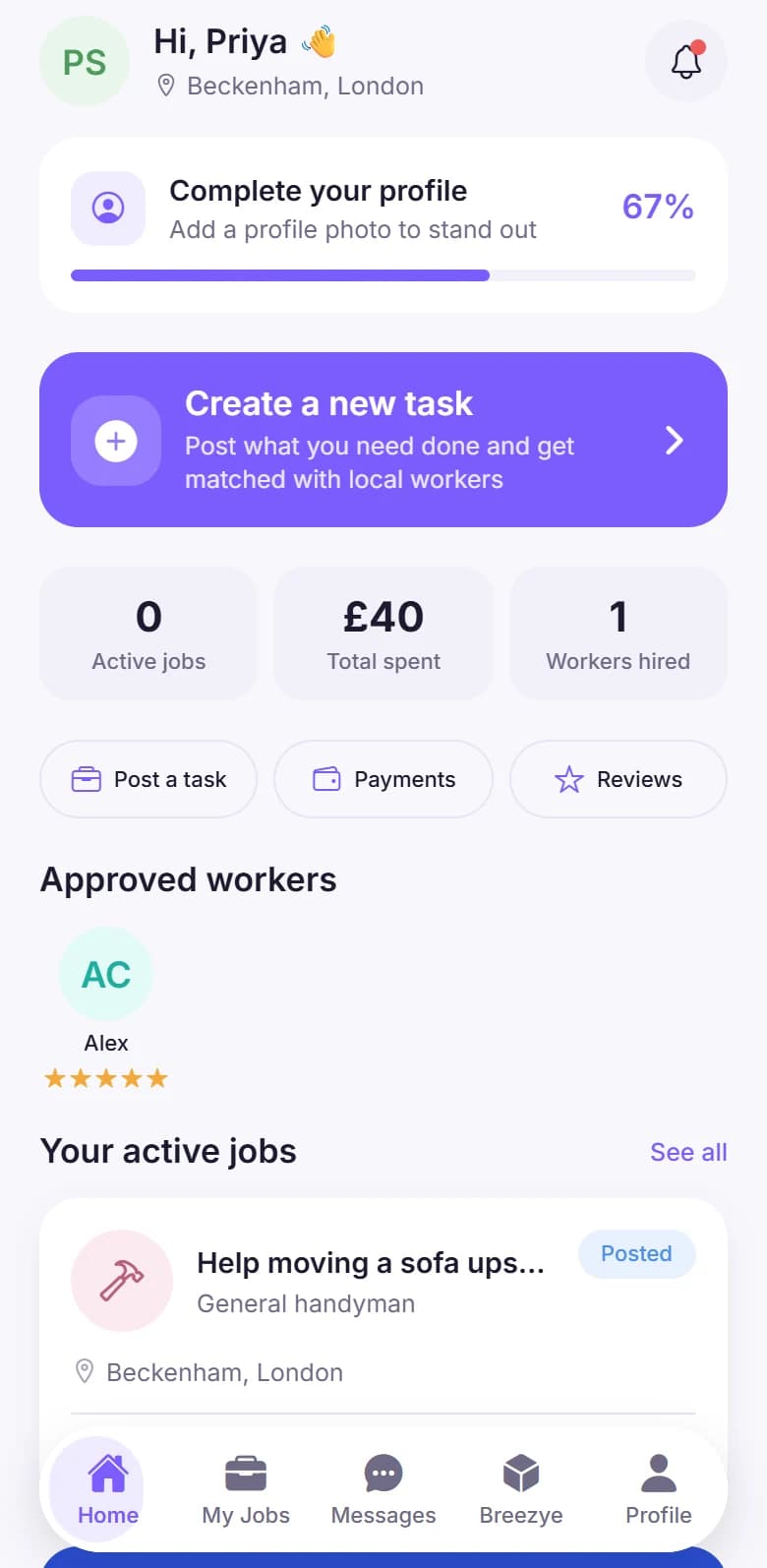
Breezyee Go connects people and businesses who need help with local tasks with workers ready to get the job done. Post a job in minutes, or find work near you.
Whether you need a hand or you’re looking for work, Breezyee Go keeps every step clear — from the first post to the finished job.
For customers
Post it. Pick someone. Done.
01
Step 1: Post a job
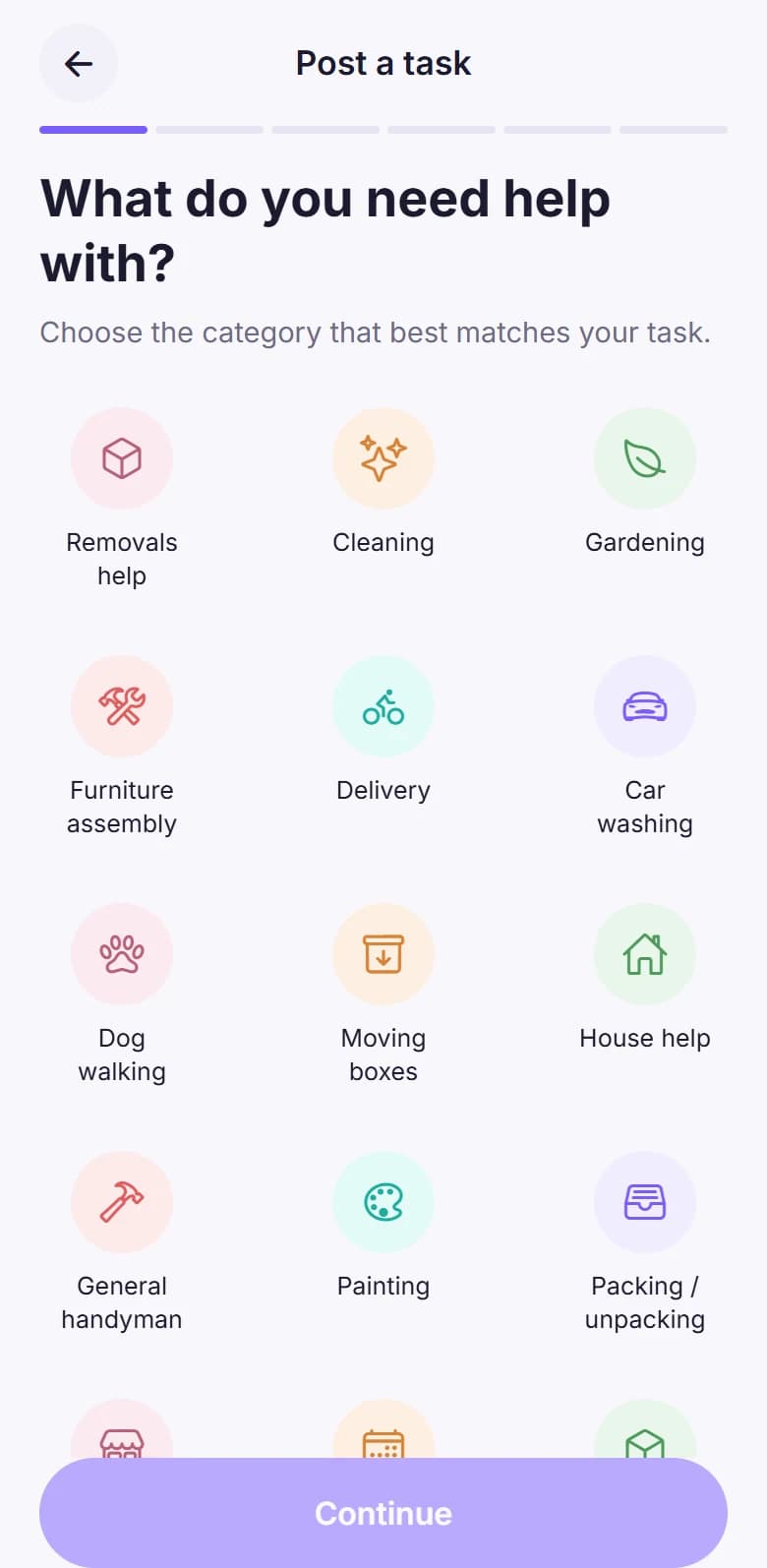
Describe what you need, set a budget and pick a time. It only takes a few minutes.
02
Step 2: Find the right worker
Nearby workers apply. Check their ratings and reviews, message them, then accept your pick.
03
Step 3: Get the job completed
Follow progress in the app, confirm when the work is done and leave a review.
For workers
Find it. Do it. Earn.
01
Step 1: Discover nearby jobs
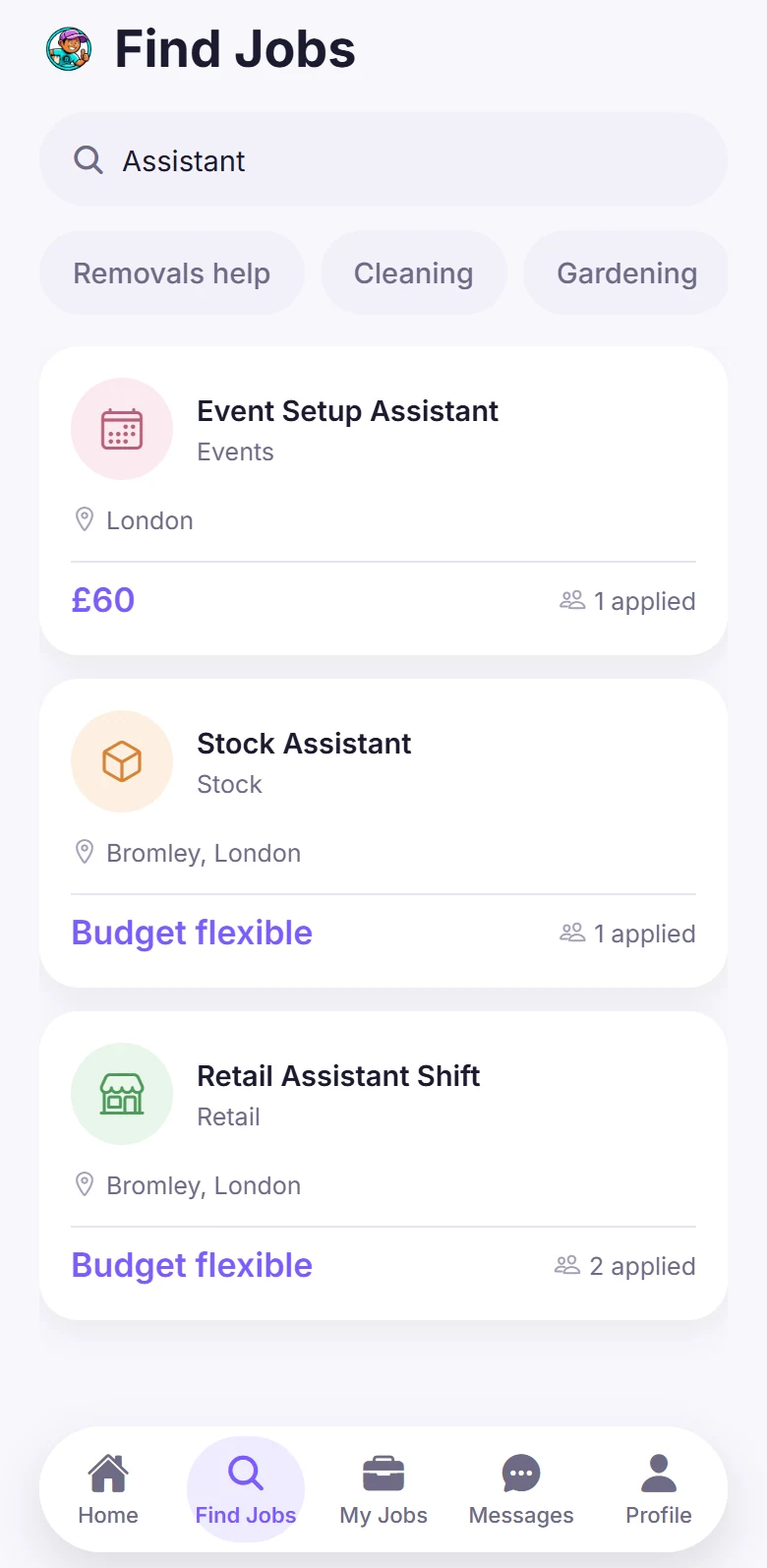
Browse tasks posted near you and filter by category or search for what suits you.
02
Step 2: Accept suitable work
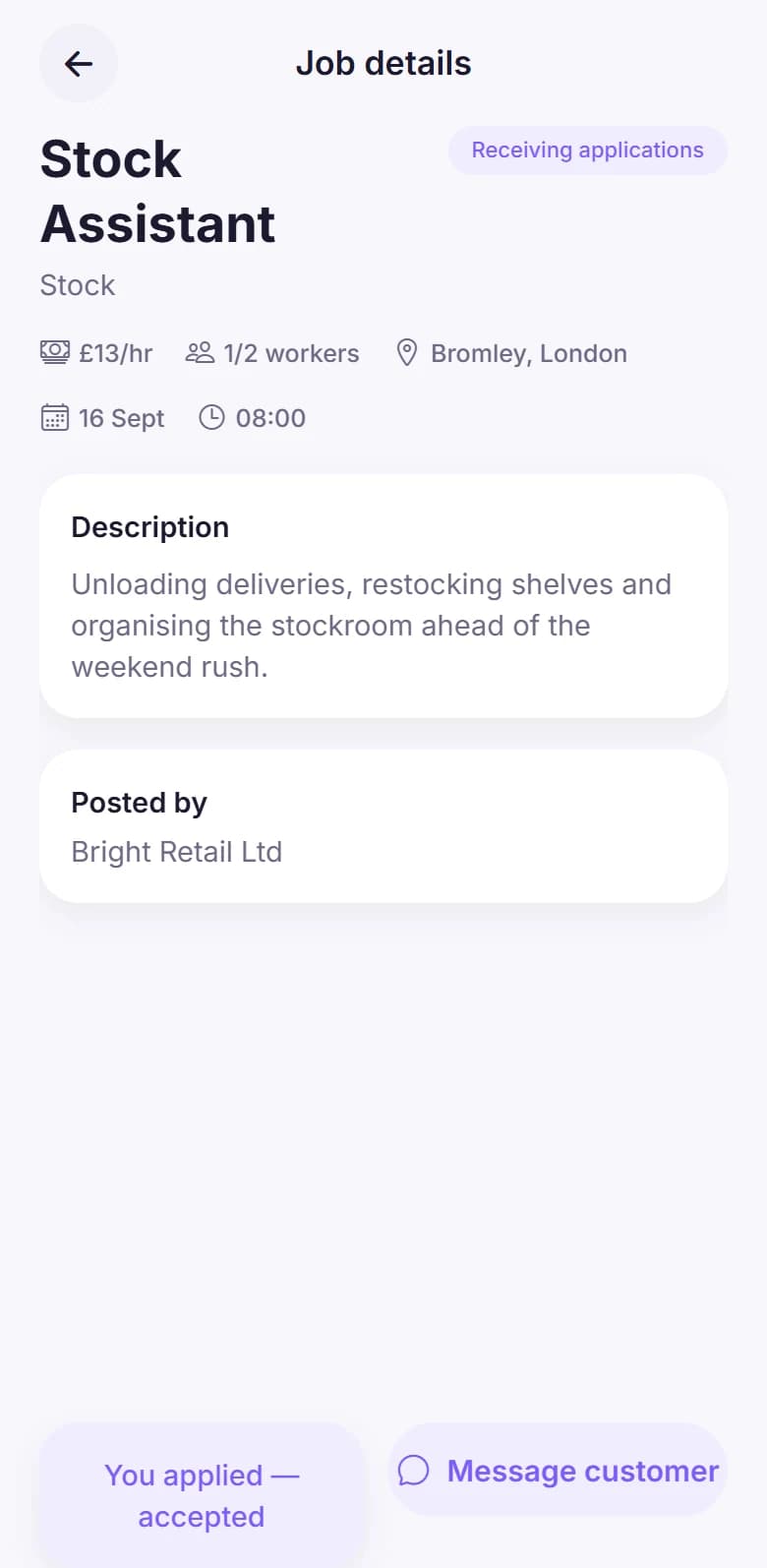
Read the full details first — pay, place, time and who posted it — then apply for jobs you want.
03
Step 3: Complete tasks and earn
Check in with a QR code, finish the job and see your earnings build up in the app.
For customers
Get help with local jobs, hassle-free.
Whether you’re an individual or a business, post a task, choose the right worker and keep everything in one app — from the first message to the finished job.
Individuals & businesses
Ratings & reviews
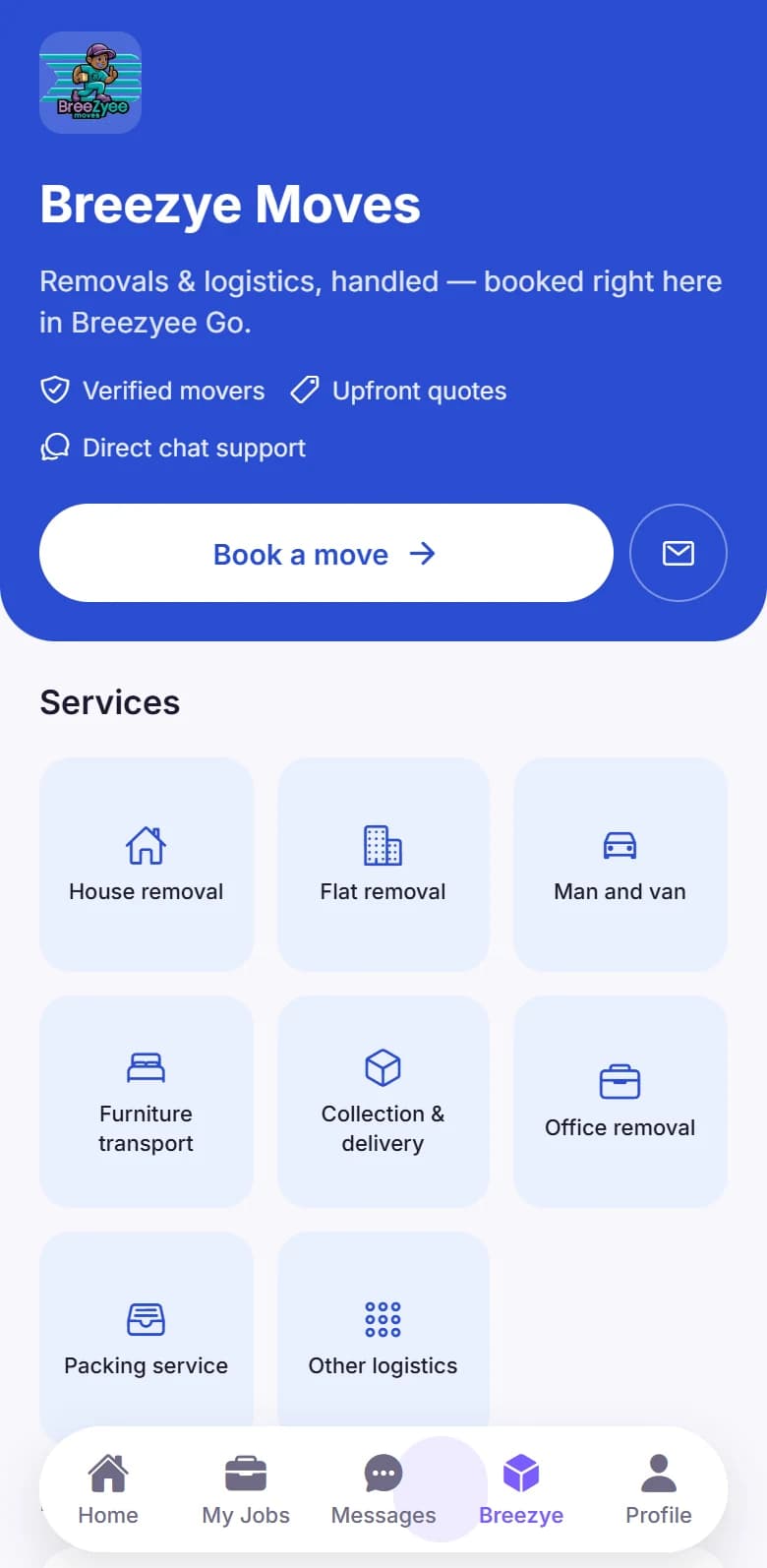
Breezyee Moves bookings
Post local jobs
Set the category, details, location, time and budget for what you need doing.
Choose your workers
Review applications, compare ratings and accept the person you want.
Book services
Need a bigger move? Book Breezyee Moves removals and logistics in the same app.
Message workers
Talk through the details in the app before the job starts.
Track job progress
See each job move from posted to completed, with notifications along the way.
Secure payments
Pay through the app and confirm when the job is done — no chasing invoices.
Ratings and reviews
Read reviews from other customers and leave your own after each job.
Booking history
Keep your past jobs, payments and bookings together in one place.
9:41
9:41
Message workers in the app
For workers
Find work near you. Earn on your terms.
Browse local jobs, read the details before you commit, and build a reputation with every job you complete.
Ages 16–19
Under-18s need guardian approval
Discover available jobs
Browse and search tasks posted by customers and businesses.
Find work by location
Set how far you’re happy to travel and see jobs close to you.
See details before you accept
Pay, place, date, time and who posted it — all shown up front.
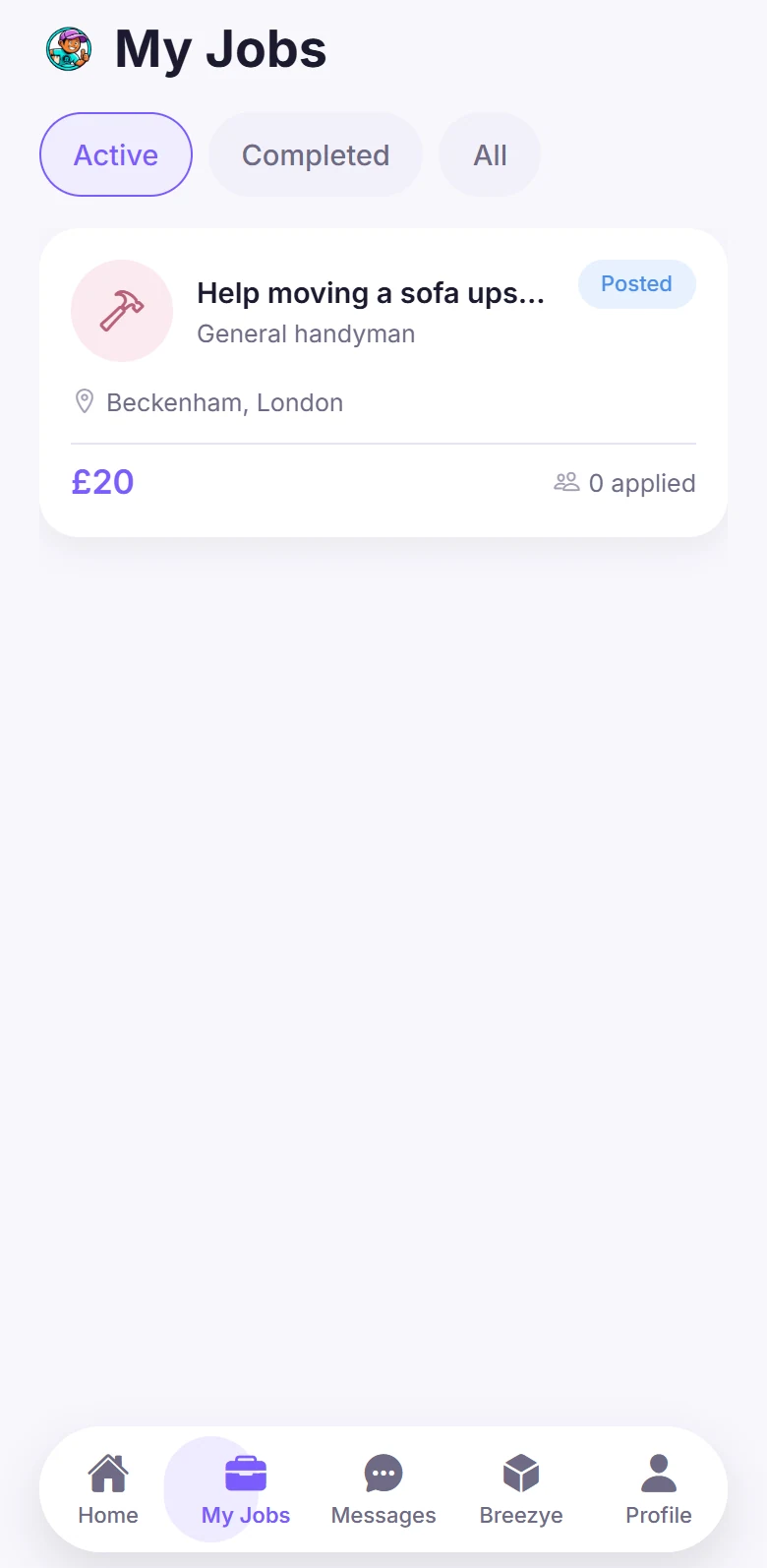
Manage upcoming jobs
Track your applications and accepted jobs from one screen.
Check in and out
Scan a QR code to start a job and finish it with photo proof of your work.
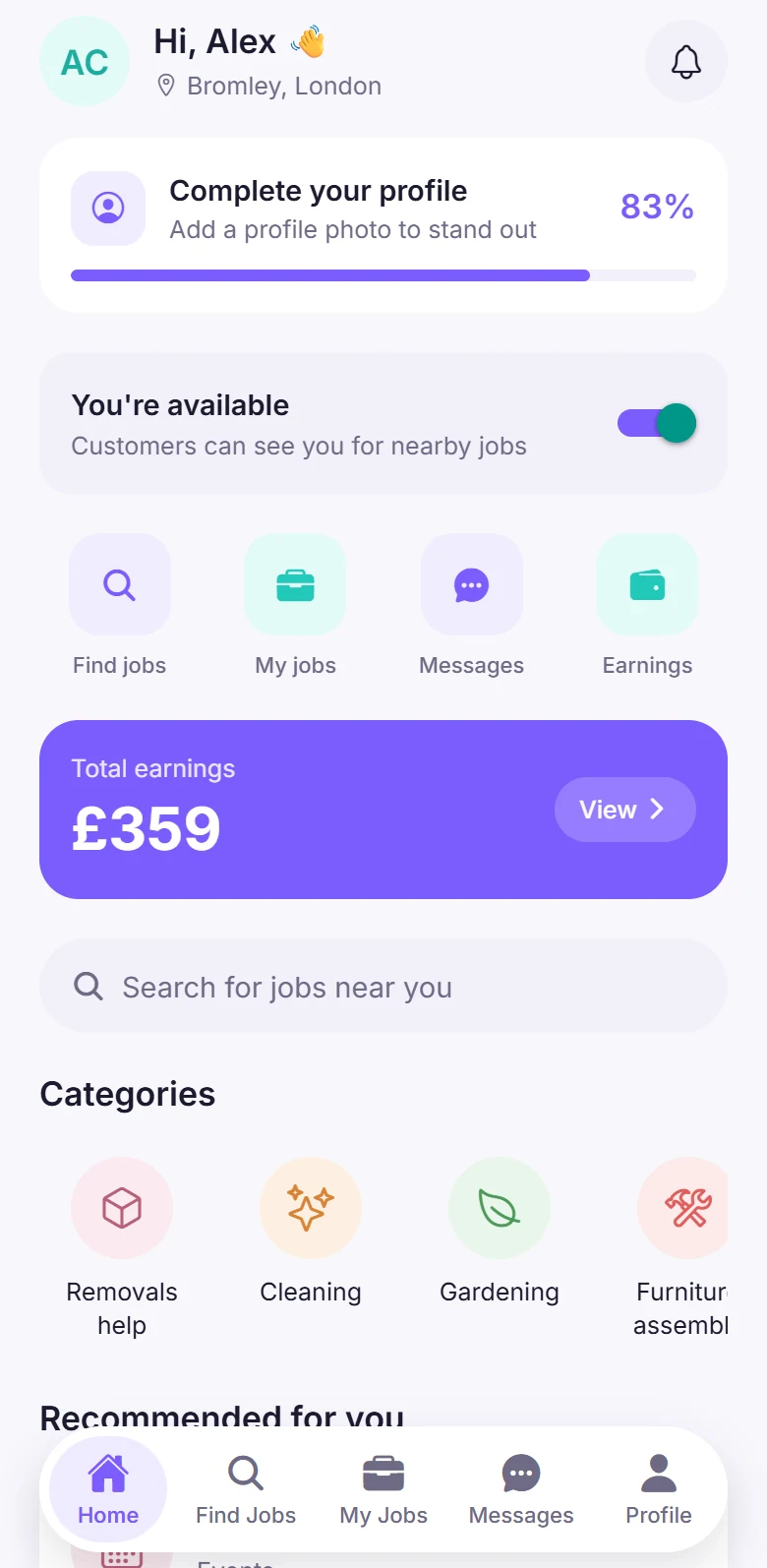
Track your earnings
View what you’ve earned and your transaction history any time.
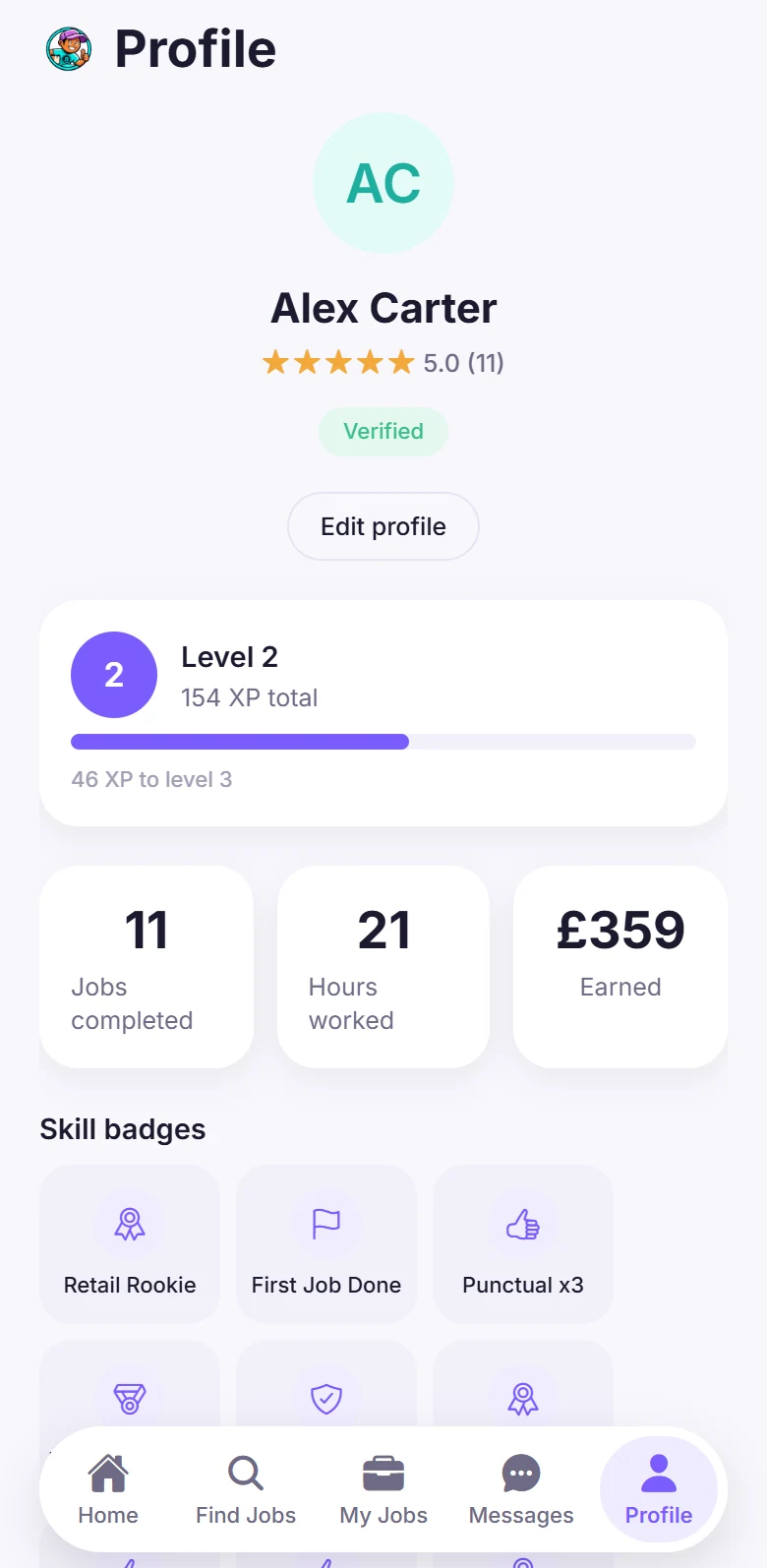
Build your reputation
Ratings, reviews, skill badges and a work history that grows with every job.
Earnings depend on the jobs you complete — Breezyee Go doesn’t guarantee any level of income.
9:41
9:41
Check in with a QR code
Brought to you by
BREEZYEE MOVES CIC
Breezyee Go is operated by BREEZYEE MOVES CIC, the team behind Breezyee Moves — removals and logistics. Need something bigger than a quick job? Breezyee Moves services can also be booked through Breezyee Go.
Breezyee Go is designed for young workers and the people who hire them. Here’s how the app helps keep every job clear, accountable and safe.
Account verification
Workers verify their identity with an ID document. Verified badges only appear once a check has been completed.
Guardian approval under 18
Workers under 18 need a parent or guardian to approve their account before they can apply to any job.
Secure payments
Pay and get paid through the app, so nobody needs to share bank details with another user.
Ratings and reviews
Check ratings, reviews and completed-job counts before you accept or hire.
In-app communication
Keep conversations about a job inside Breezyee Go, in one place.
Clear booking information
Pay, location, date, time and who posted the job are shown before anyone commits.
QR check-in and completion
Jobs start and finish with a QR code, and check-in is confirmed against the job location.
Support and reporting
Report a concern from any job. Safety reports are treated as a priority.
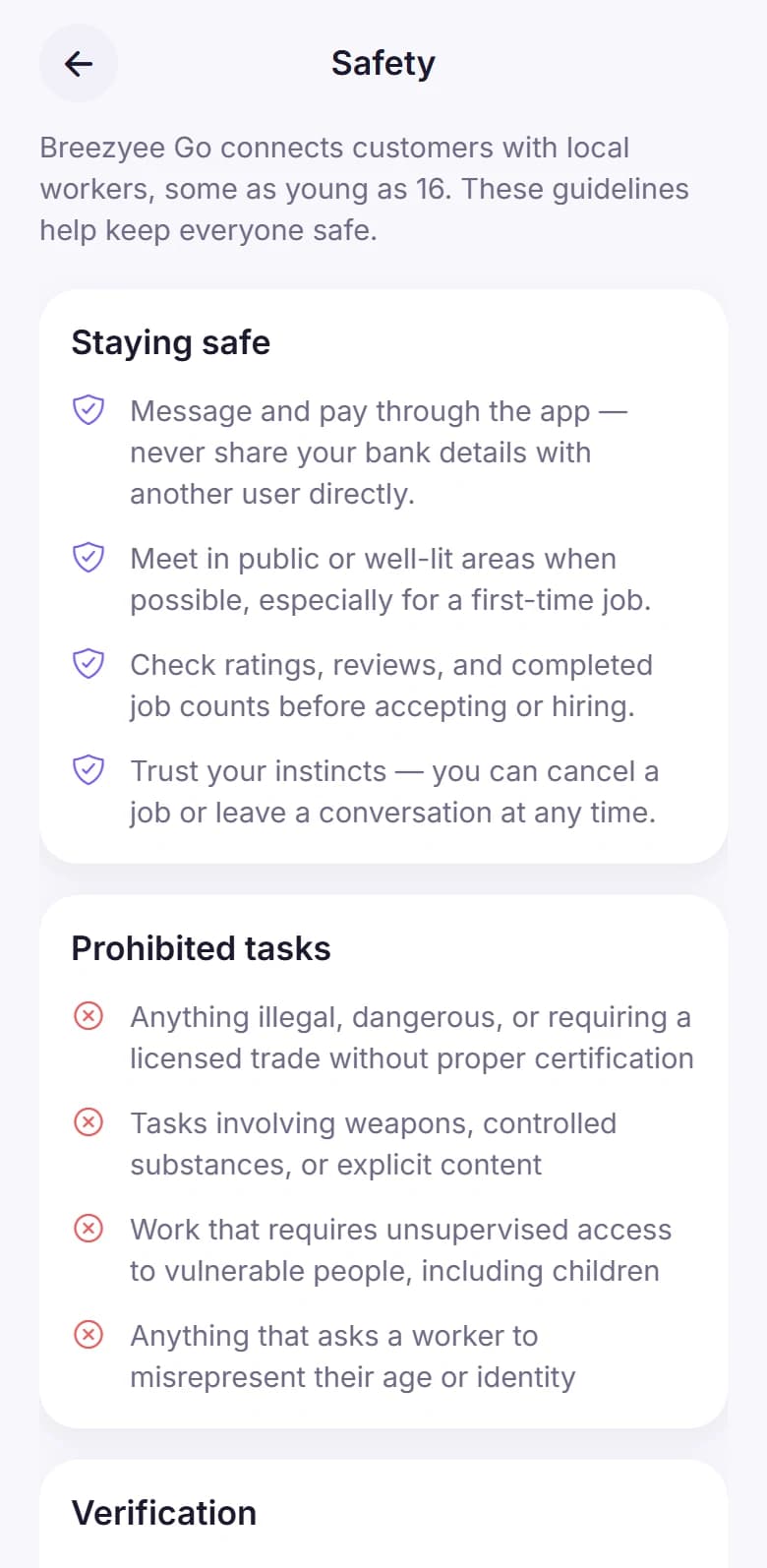
From the app’s Safety guide
Staying safe on Breezyee Go
Message and pay through the app — never share your bank details with another user directly.
Meet in public or well-lit areas when possible, especially for a first-time job.
Check ratings, reviews and completed job counts before accepting or hiring.
Trust your instincts — you can cancel a job or leave a conversation at any time.
9:41
Download
Get Breezyee Go on your phone.
Post a job, find work near you, message in the app and keep track of every booking — all from your phone.
Coming soon to iPhone and Android. Screens shown use demo data.
9:41
9:41
FAQ
Questions, answered.
Everything you need to know about how Breezyee Go works — for customers, businesses and workers.
Breezyee Go is a mobile app that connects people and businesses who need help with local jobs and tasks with workers aged 16–19 who are ready to get them done. It’s brought to you by BREEZYEE MOVES CIC.
Customers post a job with the details, location and budget. Nearby workers apply, the customer chooses who they want and the two can message in the app. The worker checks in with a QR code, completes the job, and the customer confirms it’s done and leaves a review.
Individuals and businesses can post jobs on Breezyee Go. Create a customer account in the app, choose whether you’re an individual or a business, and you can start posting tasks.
Breezyee Go is for workers aged 16–19. Workers under 18 need a parent or guardian to approve their account before they can apply to any job, and workers are asked to verify their identity with an ID document.
Customers pay for completed jobs through the app. Once a customer confirms a job is finished, the worker’s earnings are added to the balance shown on their Earnings screen. Earnings depend on the jobs a worker completes.
Breezyee Go is built for the UK. Jobs appear based on where customers post them and where workers are, so what’s available near you will depend on your area as the community grows.
Open Profile → Help & support in the app to get in touch, or use Safety & reporting on any job for a safety concern. Breezyee Go is coming to the App Store and Google Play — the download buttons on this page will link to the real listings as soon as they’re live.